40%
Lower brightness. Less drain.
Bring higher manual brightness down to 40%.
Your screen needn’t stay so bright.
Auto brightness and lower levels stay unchanged
A small tool, made for Android
Dim the screen. Let it rest sooner.
Small settings for everyday battery life.
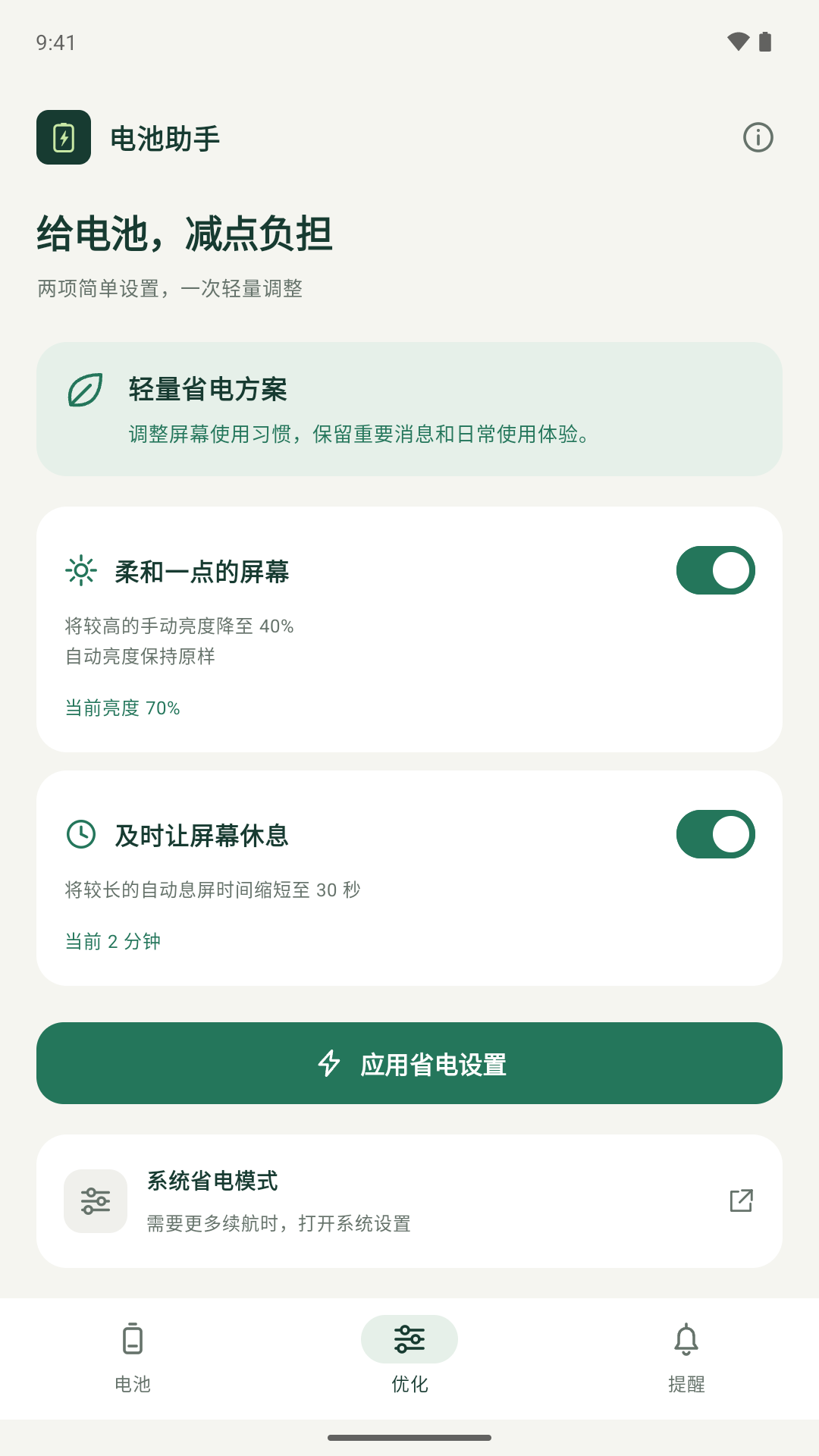
Simple settings. Just enough.
No root neededNo forced app closuresYou choose what changesSimple battery savings
Everyday screen settings,
in one clear, controlled adjustment.
40%
Bring higher manual brightness down to 40%.
Your screen needn’t stay so bright.
30sec
Shorten longer screen timeouts to 30 seconds.
Less time with an idle screen left on.
See every change and keep your original settings saved. Restore your previous brightness and screen timeout with one tap.
Allow “Modify system settings” before your first adjustment. Battery savings vary by device and usage.
An easier everyday view
No complicated menus. No distractions.
Battery, settings, reminders. Just three screens.
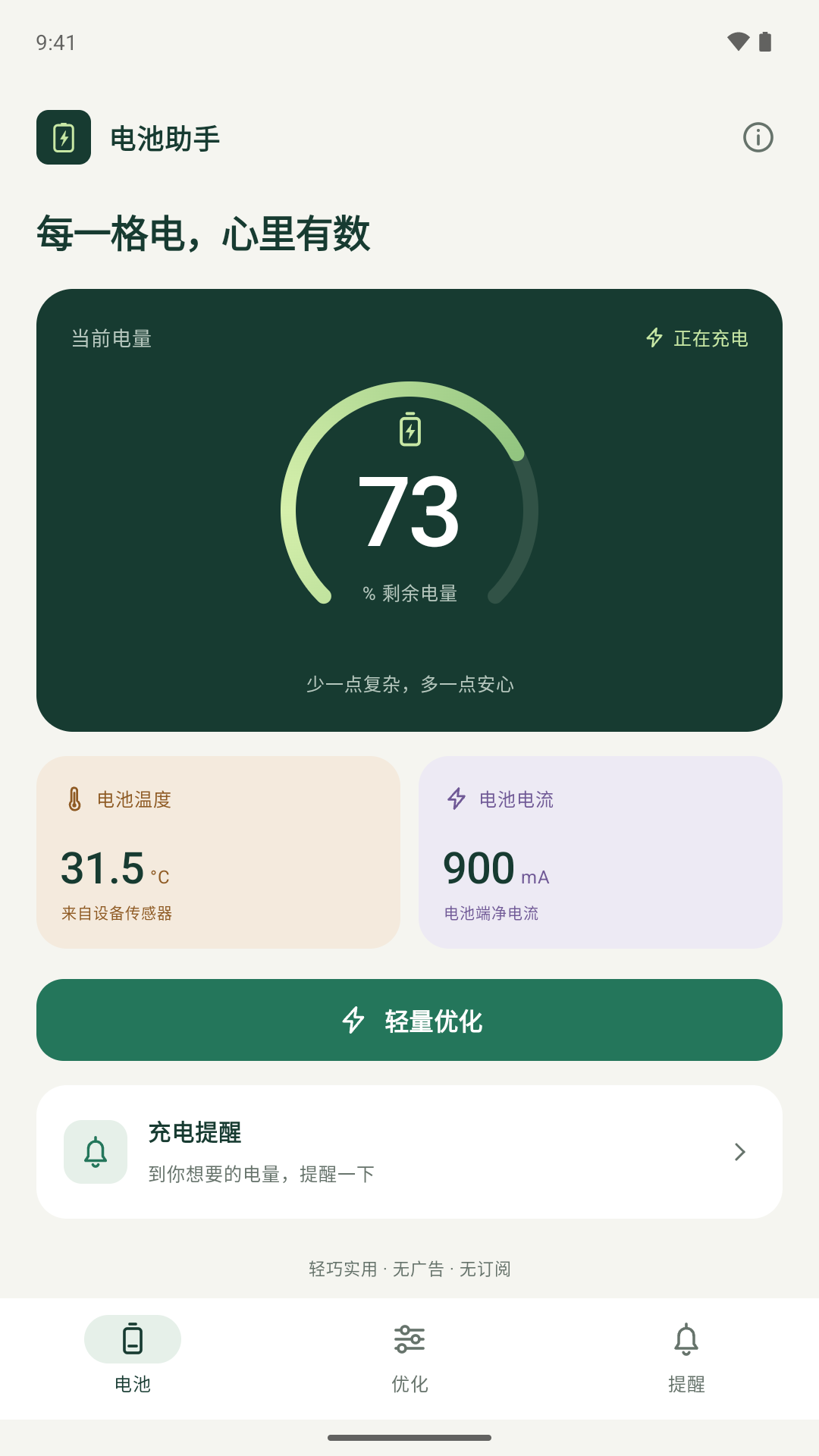
Unavailable device readings are clearly marked.
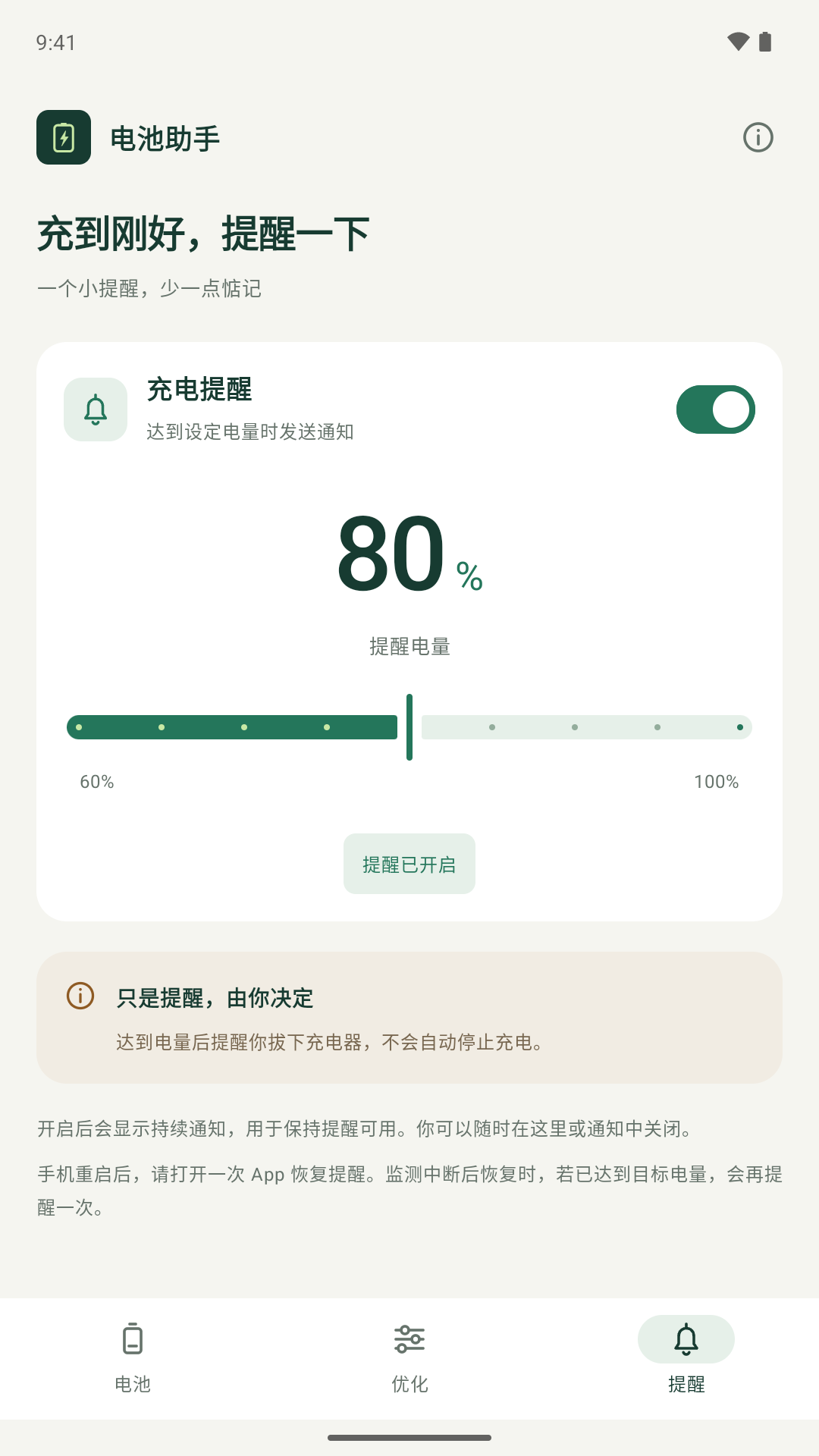
A notification at your target. Charging does not stop automatically.
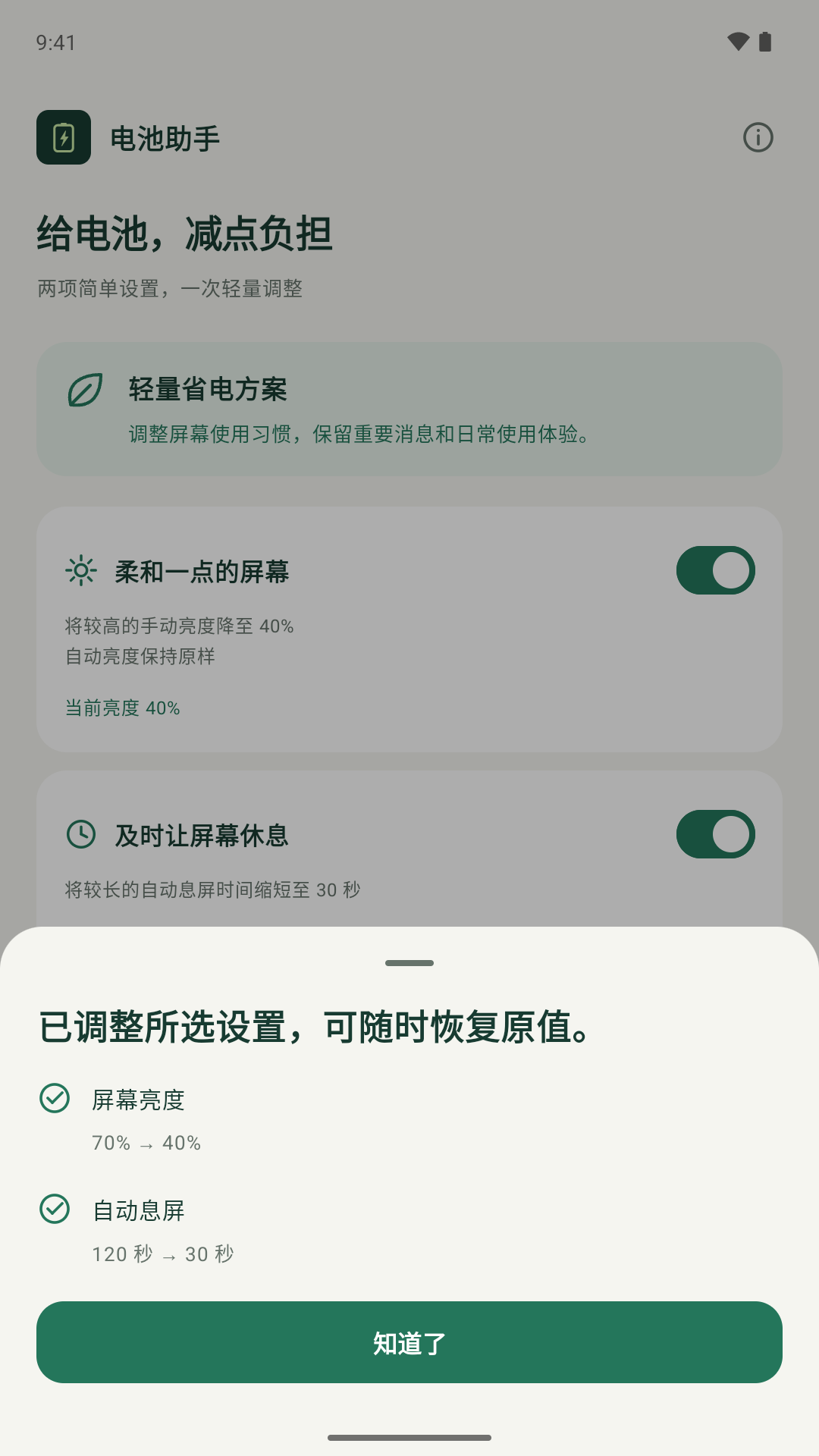
Review your changes, then decide what to keep.
Current app UI (Chinese) · Battery readings shown for demonstration
Before you get started
A small tool, with clear expectations.
Support & feedback:
[email protected]
No root is needed. Follow the app’s instructions to allow “Modify system settings” the first time, then choose the settings you want to adjust. For charging reminders, allow notifications and enable reminders in the app.
No. Optimization only changes the brightness and screen timeout you select. Charging reminders send a notification when your target is reached. You decide when to unplug.
Check that notifications and the “Charging reminders” notification category are enabled. The reminder screen has a link to notification settings. A persistent notification appears while monitoring is active. Open the app once after restarting your phone to resume monitoring. Some devices may also restrict background activity.
Yes. The app saves the brightness and timeout from before your first adjustment. Use Restore on the optimization screen. Restore before clearing app data or uninstalling, so you don’t lose your saved settings.
Android 7.0 and later. No account is needed. Readings such as temperature and current depend on what your device provides. Battery Assistant currently focuses on Android.
Battery Assistant
A lovely interface. A few useful tools. Simple as that.
Android 7.0+ · Pay once
No ads. No subscriptions.